What It's For
Banking tracks your accounts, chart of accounts, and bank records. It helps you reconcile cash at the end of the day.
Where to Find It
Sidebar → Banking
What You'll See
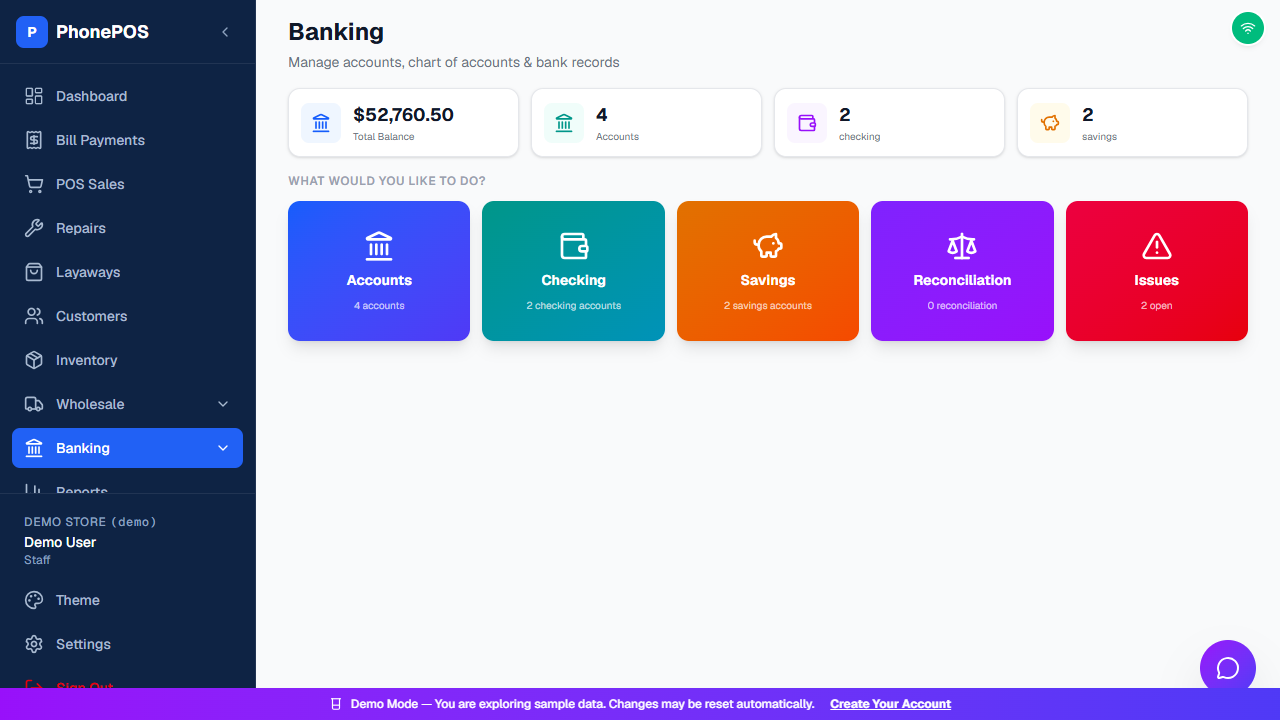
The Banking landing page shows summary cards (Total Balance, Accounts, checking, savings) and a What would you like to do? area with five sections:
| Section | What It Does |
|---|---|
| Accounts | All of your bank/cash accounts |
| Checking | Checking accounts |
| Savings | Savings accounts |
| Reconciliation | Reconcile account records |
| Issues | Open items that need attention |
Cash Count (Drawer Close)
To close the day:
- Go to Dashboard → Cash Count
- Count the cash in your drawer
- Enter the total
- The system shows:
- Expected: What should be there (based on sales)
- Counted: What you counted
- Difference: Over or short
- Click "Close Register"
Expenses
To log an expense:
- Go to Dashboard → Expenses (or the expense option in Banking)
- Enter:
- Category: Supplies, Maintenance, etc.
- Amount: How much
- Notes: What it was for
- Click "Add Expense"
Chart of Accounts
This is your accounting structure. Most stores use the default accounts. See Settings → Chart of Accounts for configuration.